FormVox
File-based forms and polls for Nextcloud
Create powerful forms, surveys and polls directly in Nextcloud. All data is stored in files — no database tables required.
How it works
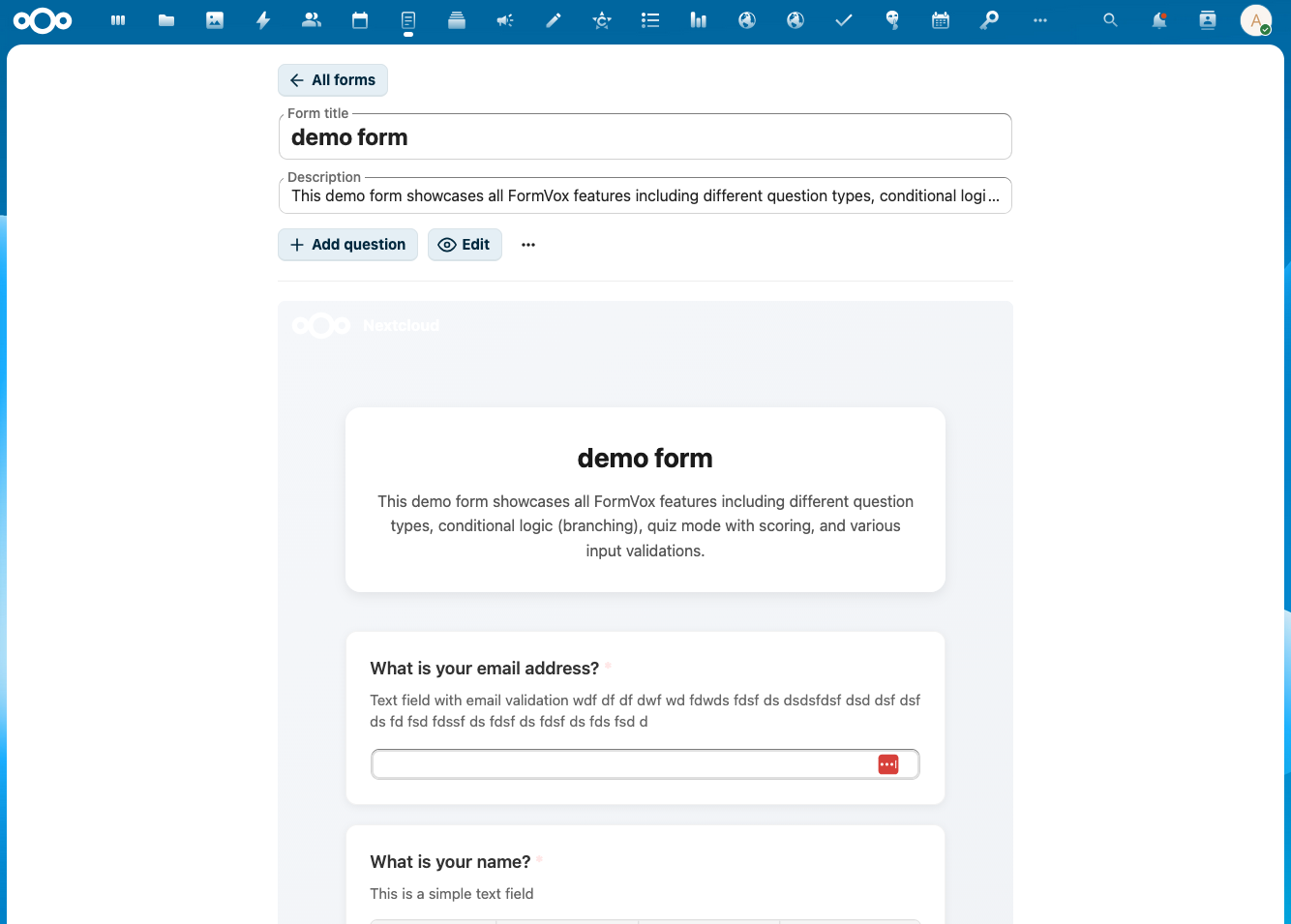
1. Create a form
Choose a template or start blank. Add questions with the visual editor and configure logic.
2. Share and collect
Share via public link, embed in a website or restrict to Nextcloud users.
3. Analyze results
View charts and statistics, or export to CSV, JSON or Excel.
Question Types
More than 12 question types for every situation.
Text & Email
Single line and multi-line text fields with optional validation (email, URL, regex).
Choice
Single selection (radio), multiple selection (checkboxes) and dropdown menus.
Date & Time
Date picker, time picker and date-time combination.
Scale & Rating
Linear scale (1-10) and star rating (1-5 stars).
Matrix
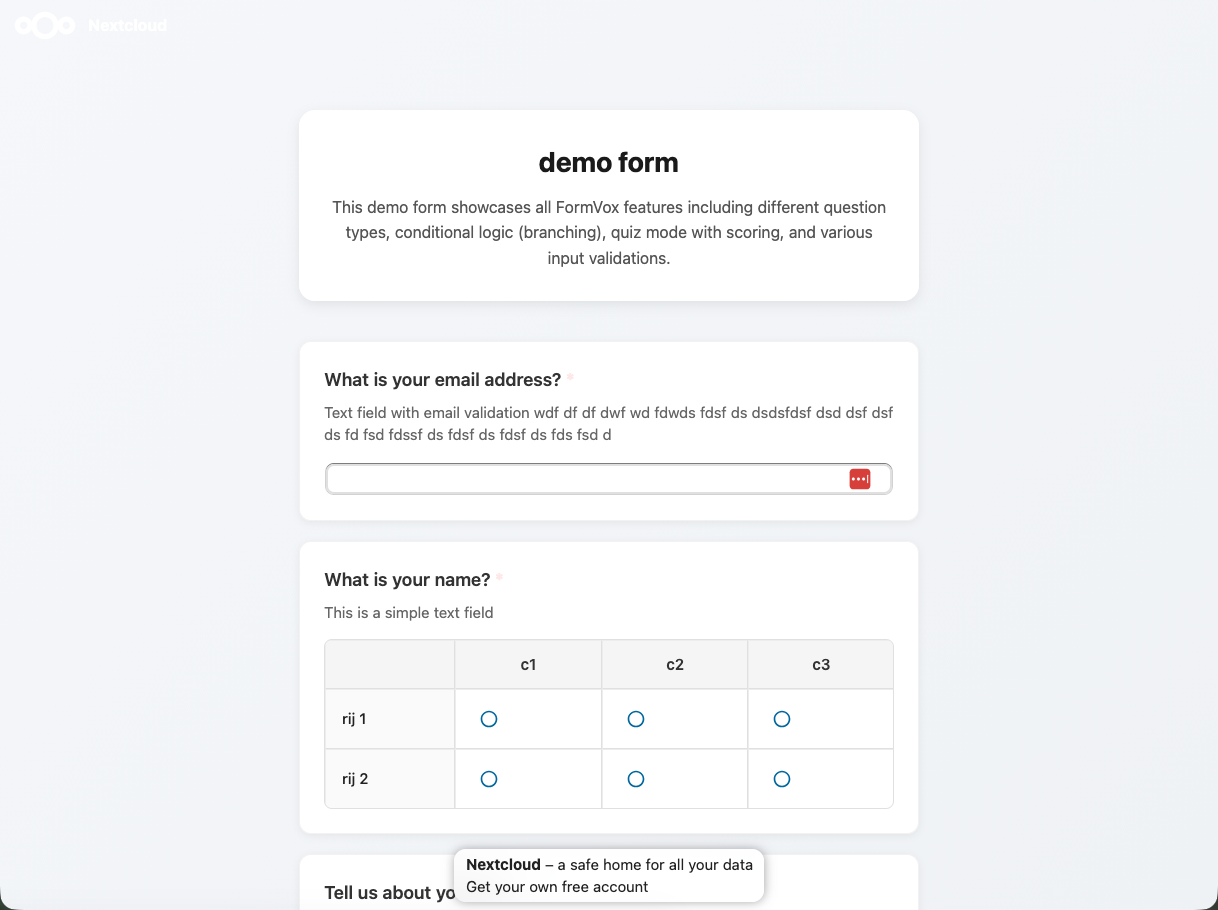
Grid/table questions with rows and columns for complex surveys.
Number
Numeric input with min/max validation.
File Upload
Let respondents upload files with their answer. Download as ZIP.
Color Coding
Organize questions visually with 7 color options for clear forms.
Advanced Features
FormVox offers powerful capabilities that go beyond simple forms.
- Conditional logic — show or hide questions based on answers
- Quiz mode — assign points and show scores
- Multi-page forms — split into multiple pages
- Answer piping — reference previous answers in question text
- Public links — share with anonymous users
- Regex validation — advanced input validation per question
Templates & Import
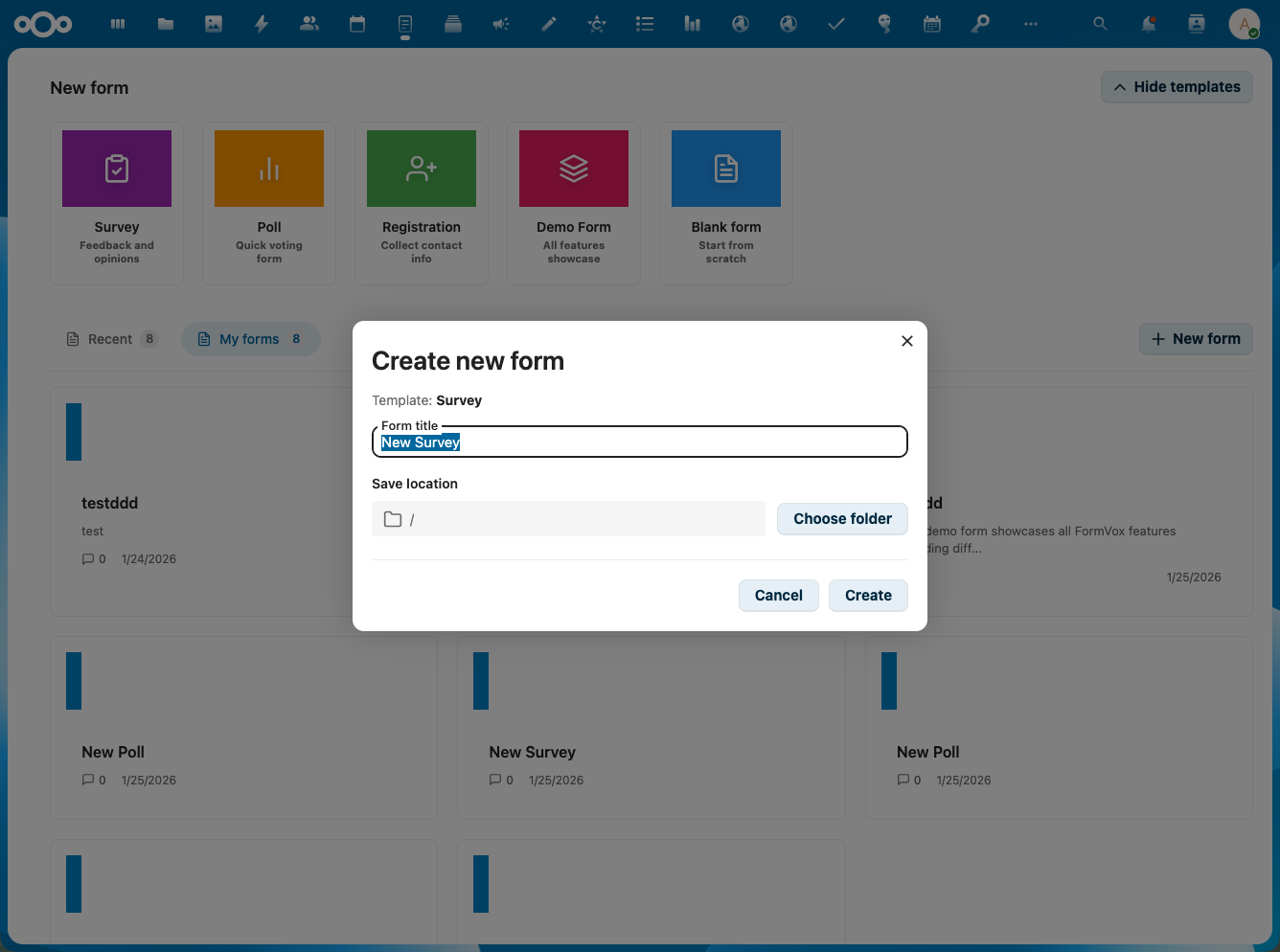
Get started quickly with pre-made templates or import existing forms.
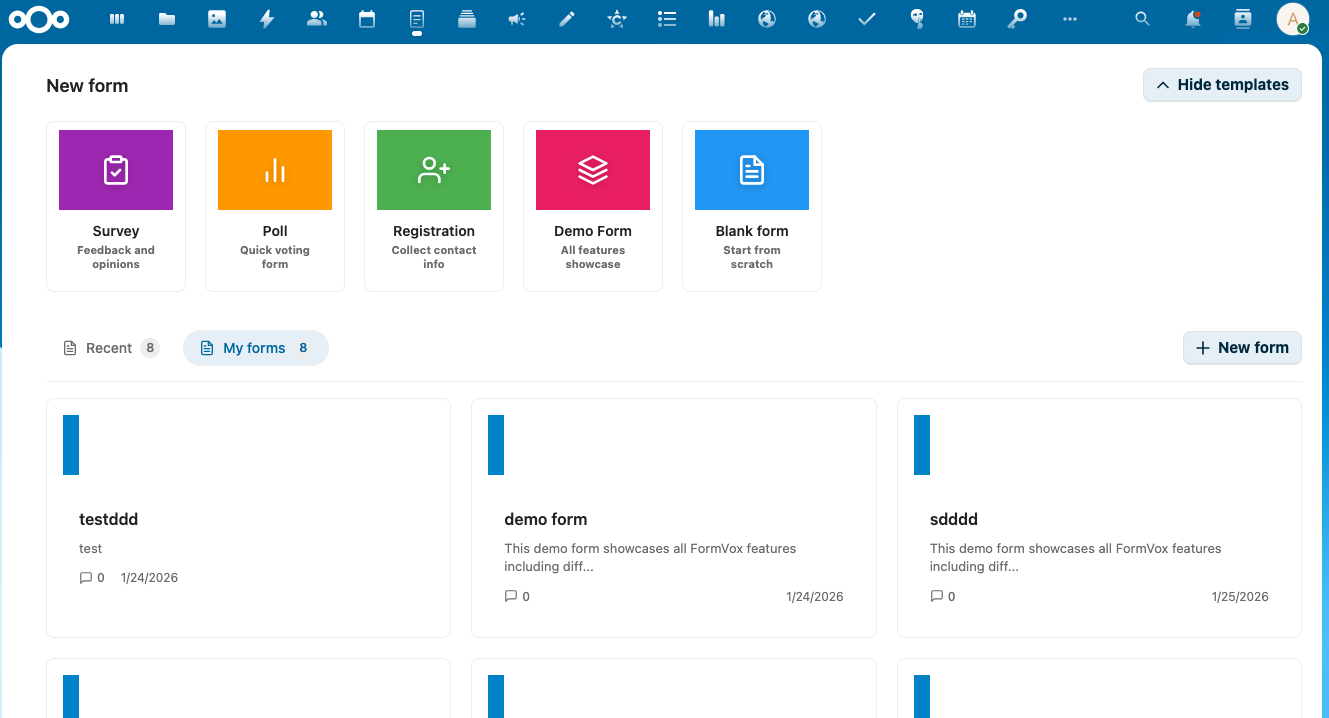
- 5 built-in templates (Blank, Poll, Survey, Registration, Demo)
- Microsoft Forms import with OAuth integration
- Export to CSV, JSON and Excel
- Charts and visualizations in the results dashboard
Sharing & Embedding
Public Links
Share forms with anonymous users. Optionally with password or expiration date.
Embedding
Embed forms in external websites via iframe — including SharePoint pages.
Webhooks
Automatically receive notifications for new responses via webhooks.
Accessibility
Text-to-Speech
Built-in TTS with a speaker button per question using the Web Speech API.
Screen Reader
Full ARIA support for screen readers and assistive technology.
Keyboard Navigation
Full keyboard control with arrow keys for scales and ratings.
Unique Benefits
100% File-based
All data in .fvform files. No database tables, no migrations needed.
Nextcloud Integration
Works with versioning, sharing and end-to-end encryption of Nextcloud.
One File
Form definition and all responses in one file — easy to backup.
Requirements
- Nextcloud See the App Store for supported versions
- PHP 8.2 or higher
- Database Not required (file-based)
Licensing
FormVox is open source under AGPL-3.0 and free to use — all features, no restrictions, with volume limits on the Free version. For organizations with a Nextcloud Enterprise contract, VoxCloud apps are available via Nextcloud.
Have a Nextcloud Enterprise contract? Ask your account manager about VoxCloud apps via Nextcloud, or contact us for the current status. Different situation? Email info@voxcloud.nl.