RoomVox
CalDAV room booking for Nextcloud
Book meeting rooms directly from any calendar app — Apple Calendar, Outlook, Thunderbird or Nextcloud Calendar. No separate booking interface needed.
How it works
1. Create rooms
Administrators create rooms through the admin panel with capacity, facilities and availability rules.
2. Book via your calendar
Users book rooms directly from their favorite calendar app. The room appears as a bookable resource.
3. Confirmation or approval
Bookings are automatically confirmed or forwarded to a manager for approval.
Works with any calendar app
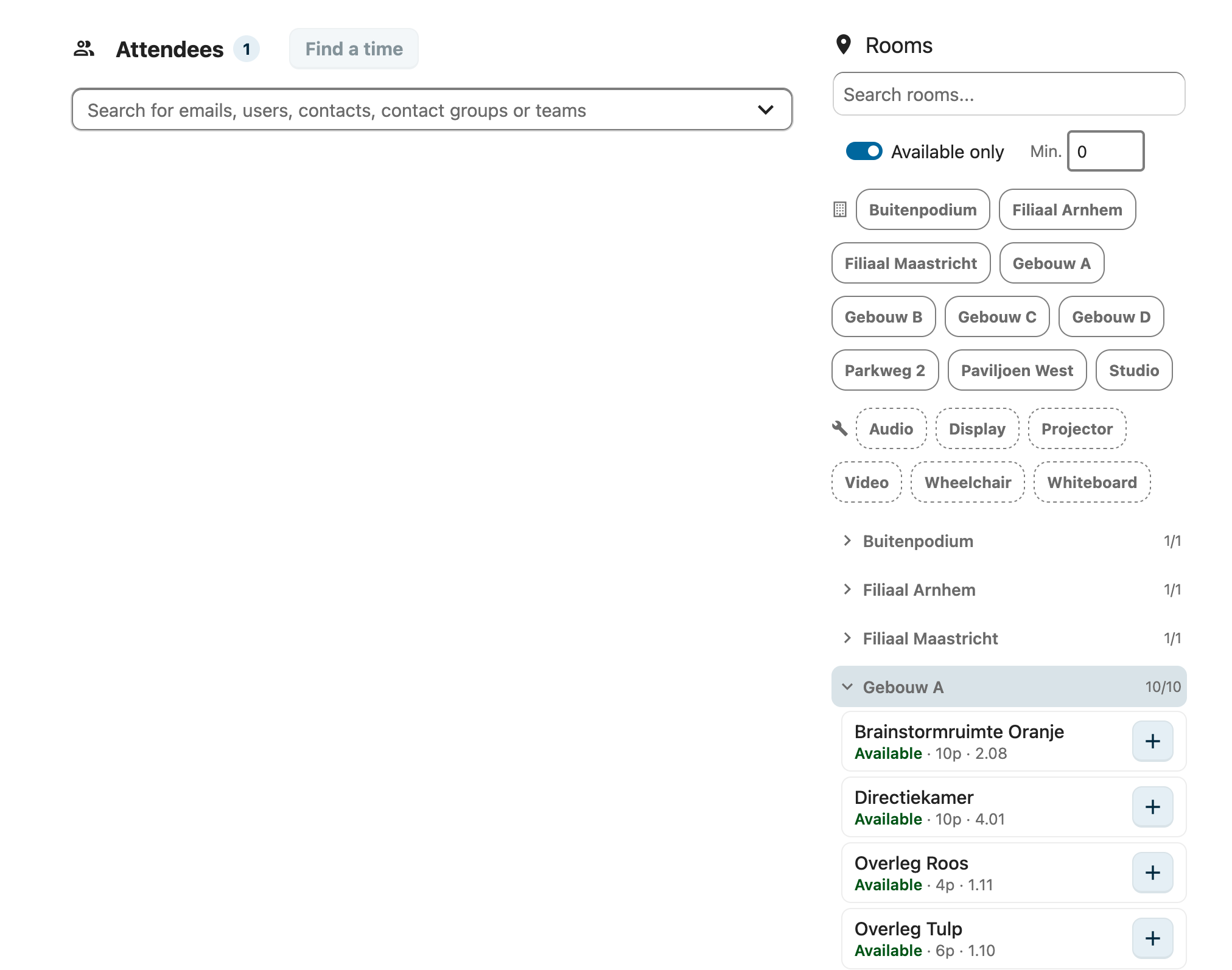
RoomVox uses the standard CalDAV protocol. Rooms automatically appear as bookable resources in any compatible calendar app.
- Apple Calendar (macOS and iOS)
- Microsoft Outlook (via CalDAV)
- Mozilla Thunderbird
- eM Client
- Nextcloud Calendar (with visual room browser)
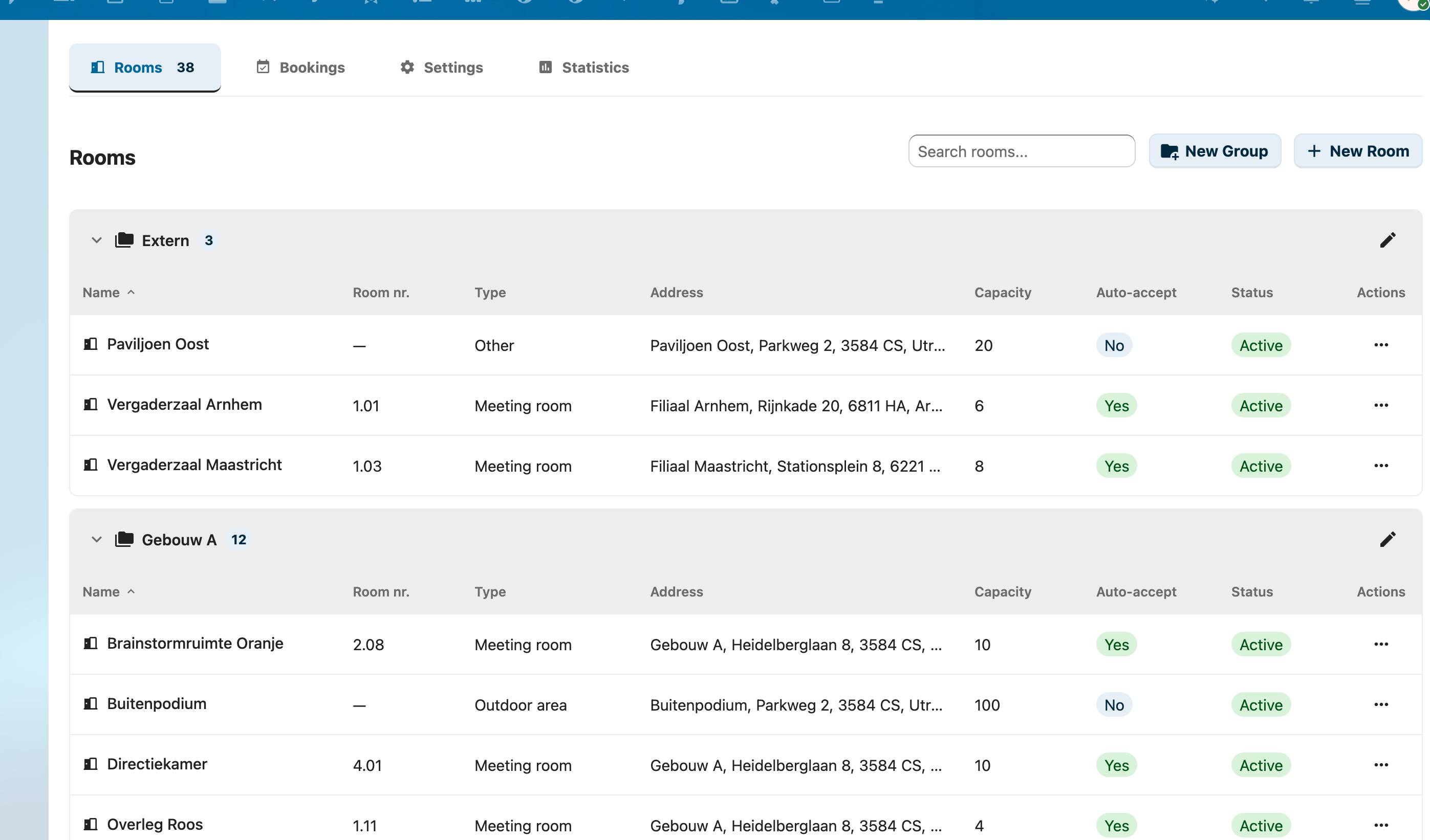
Room Management
Manage all your rooms from a clear admin panel in Nextcloud.
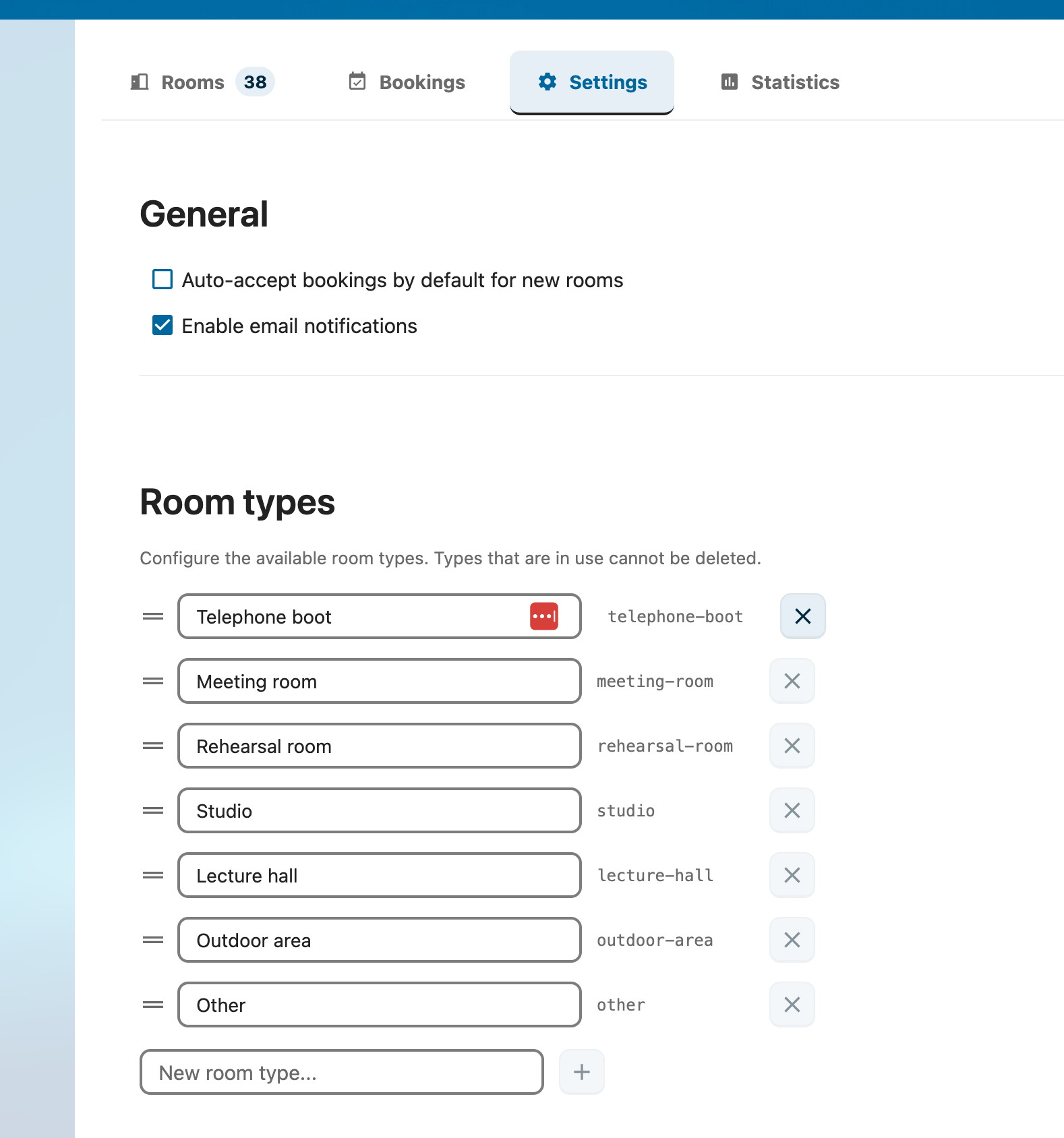
- Custom room types (meeting room, studio, lecture hall, etc.)
- Capacity, address and description per room
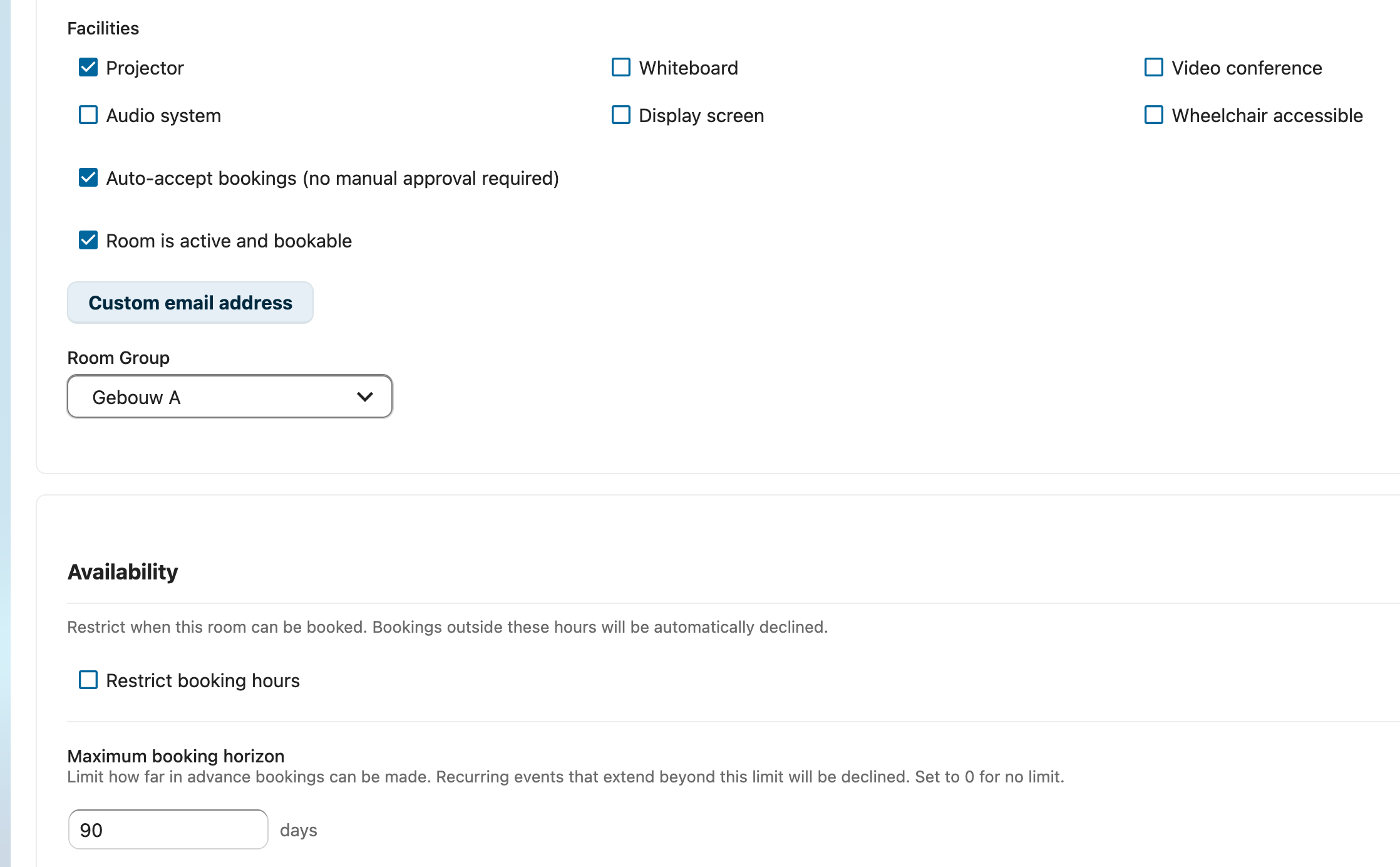
- Facilities (projector, whiteboard, video conferencing, etc.)
- Availability rules per room (e.g. Mon-Fri 08:00-18:00)
- Booking horizon — limit how far in advance rooms can be booked

Permissions
Granular access control with three roles per room.
- Viewer — can view availability
- Booker — can place bookings
- Manager — can approve/decline bookings
- Assignment per user or per group
- Room groups with shared permissions
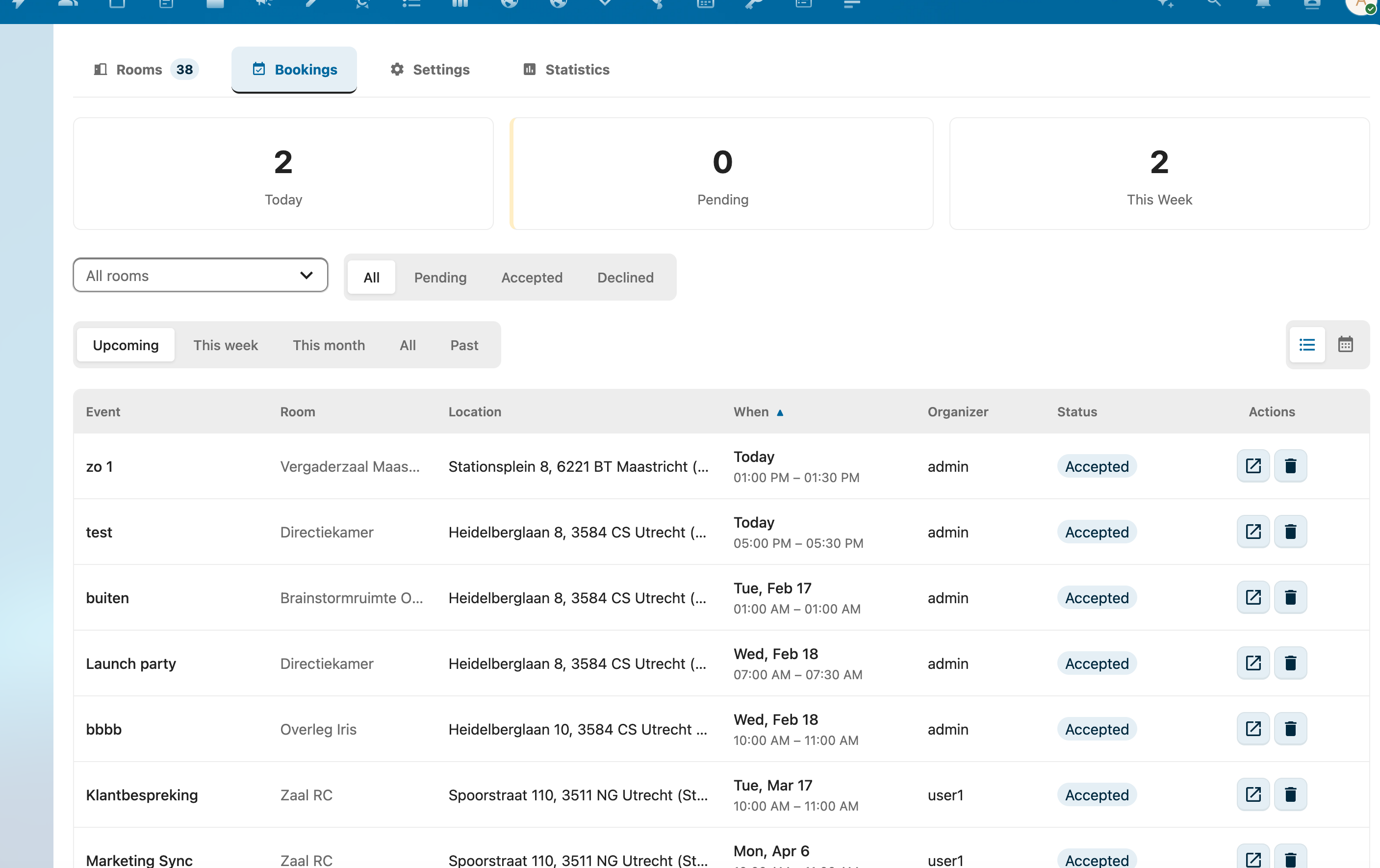
Approval Workflow
Choose per room whether bookings are automatically confirmed or require manager approval.
- Auto-accept for simple rooms
- Manager approval for important meeting rooms
- Automatic conflict detection — double bookings are declined
- Full support for recurring events (RRULE)
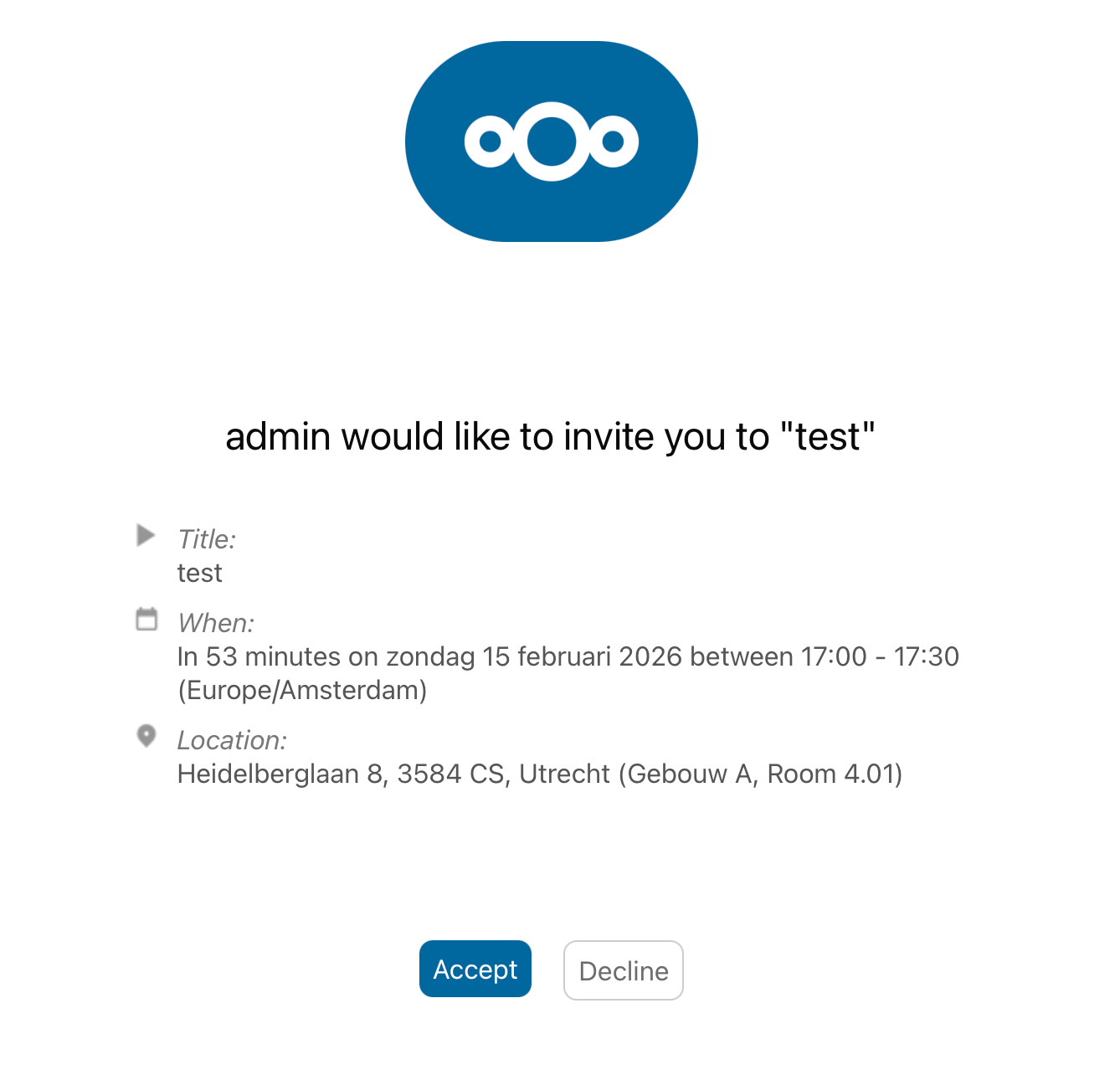
Email Notifications
Keep everyone informed with automatic email notifications.
- Booking confirmations with iCalendar attachment
- Decline notices on conflicts
- Approval requests to managers
- Per-room SMTP configuration possible
- 5 notification types, fully automatic
REST API for external integrations
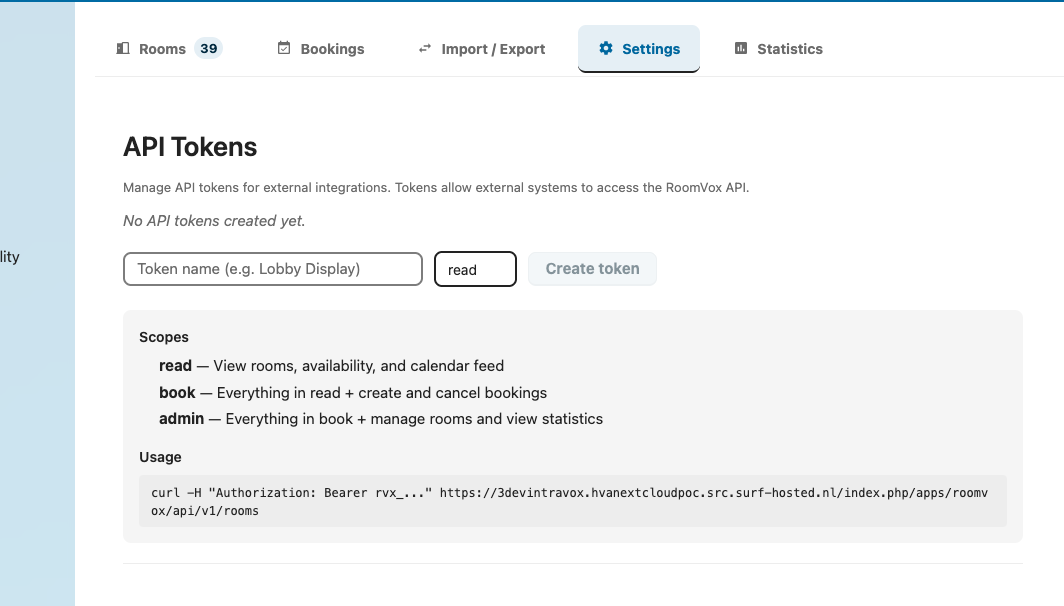
Integrate RoomVox with external systems through the public REST API.
- Bearer token authentication
- 3 scopes: read, book, admin (hierarchical)
- Ideal for digital displays and kiosks
- Optional restrictions per room and expiration date
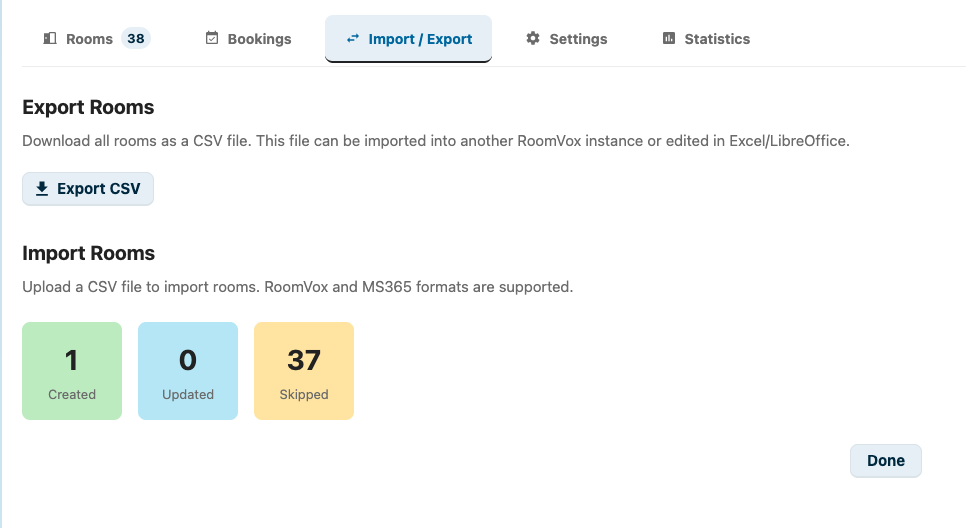
CSV Import & Export
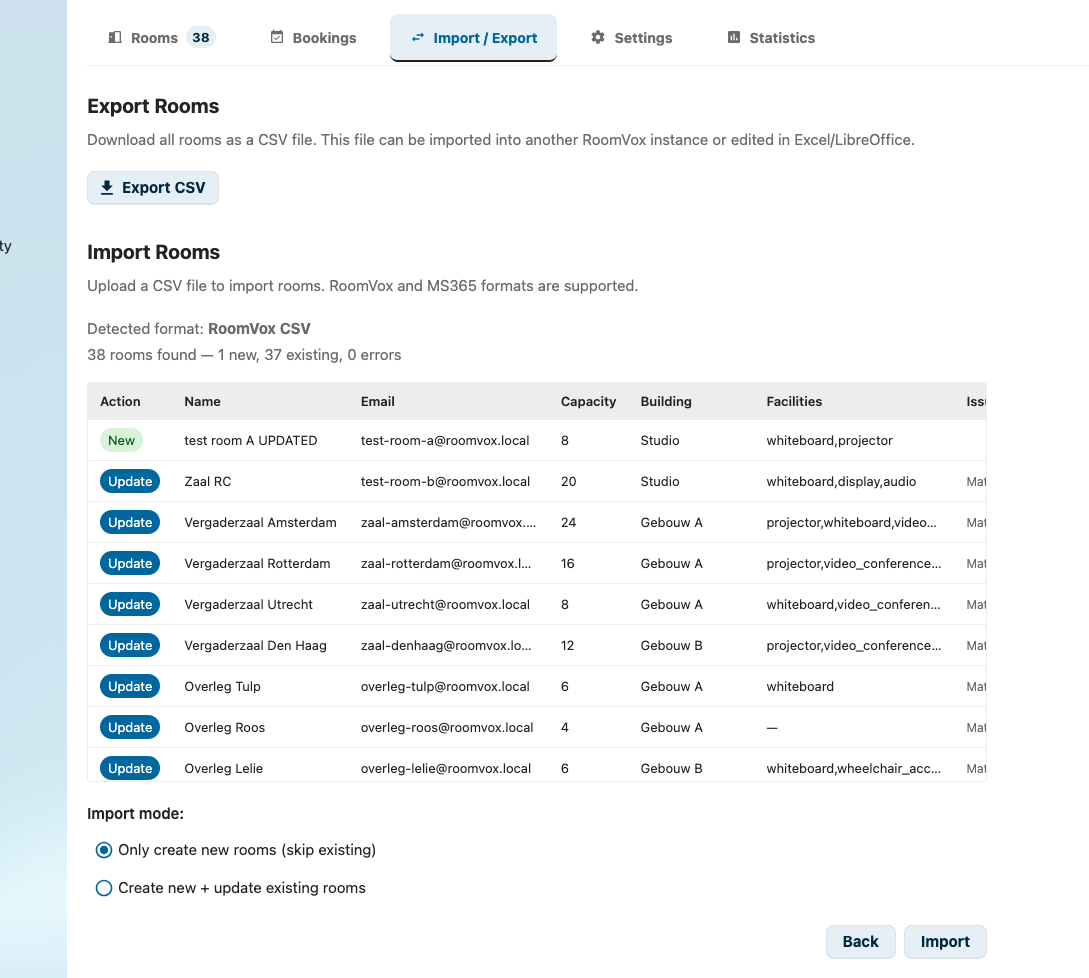
Manage rooms in bulk or migrate from other systems.
Bulk Import
Import dozens of rooms at once via CSV. Preview before confirmation.
MS365/Exchange
Compatible CSV format for migration from Microsoft 365 and Exchange.
Export
Export all room configuration to CSV for backup or migration.
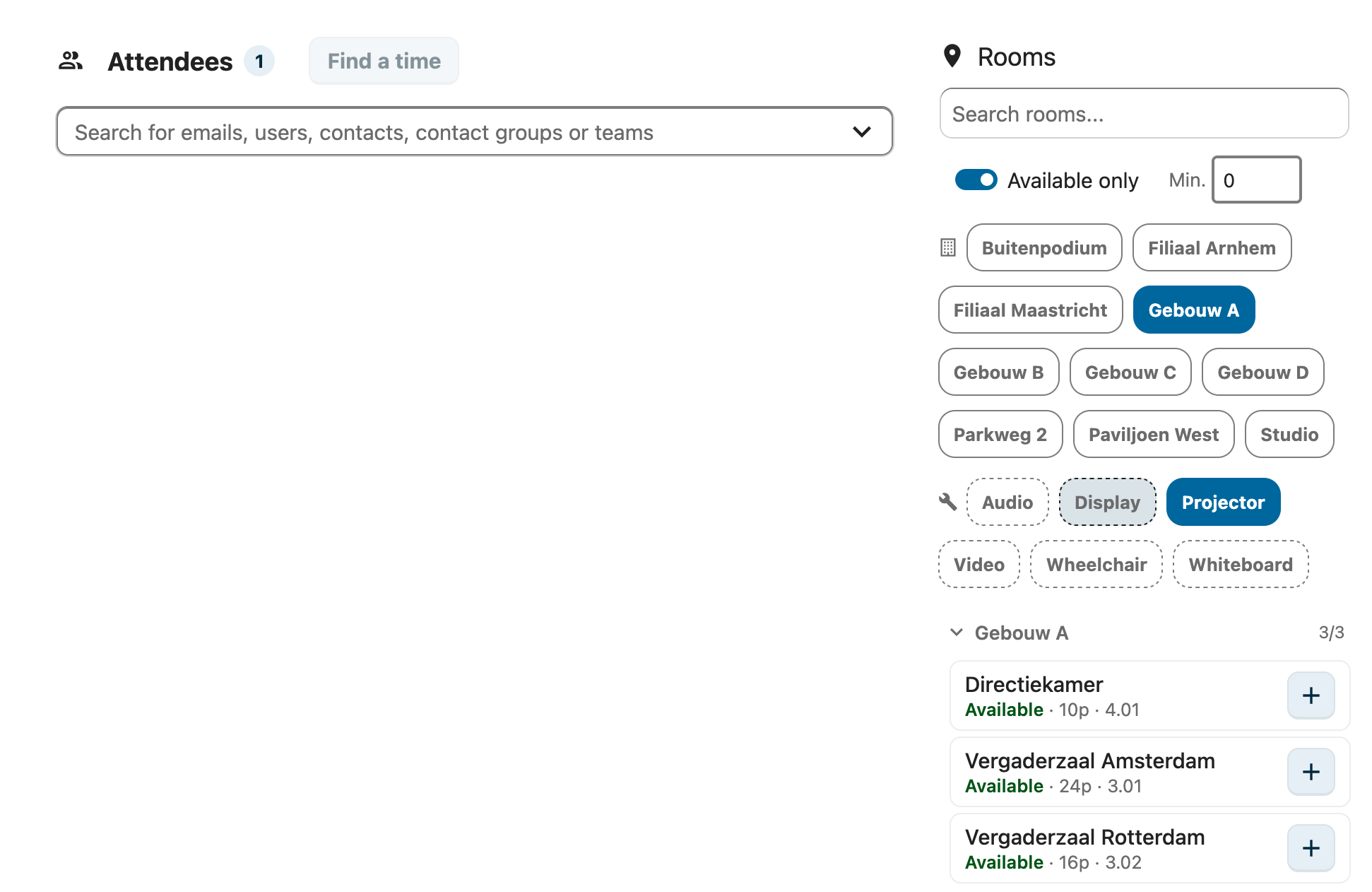
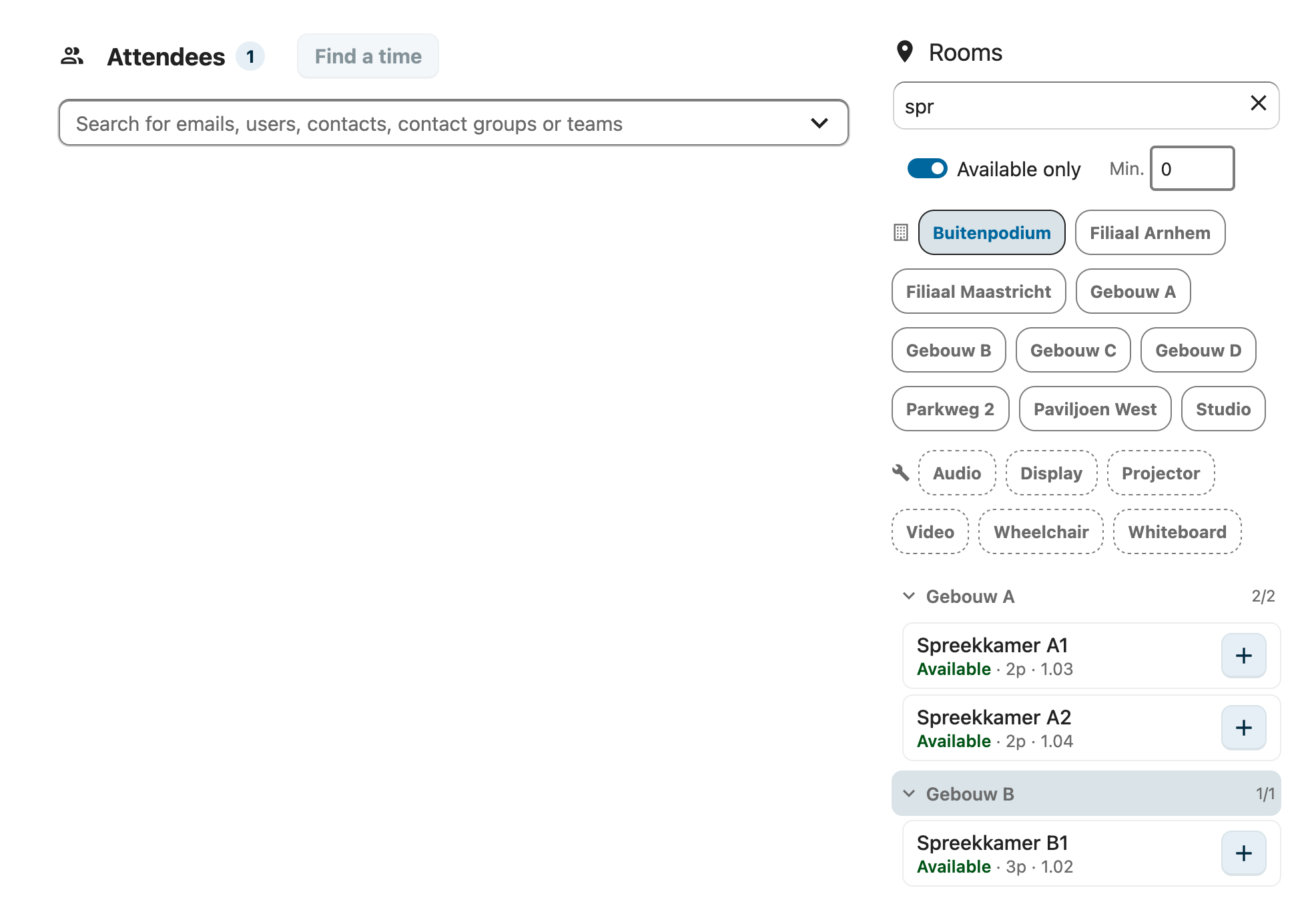
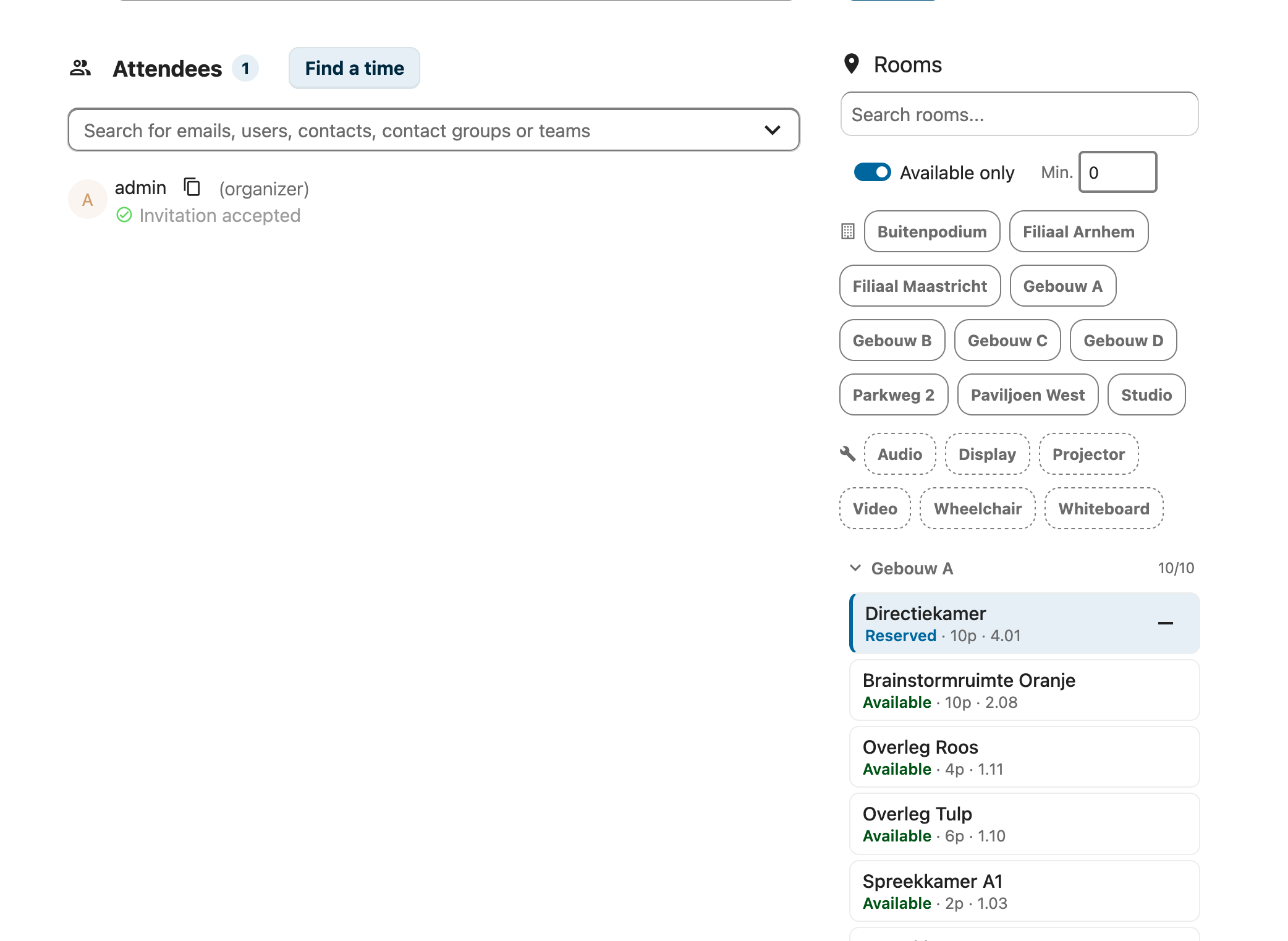
Visual Room Browser
An optional patch for Nextcloud Calendar that adds a visual room browser.
Comparison with Nextcloud Calendar Resource Management
| Feature | RoomVox | Calendar Resource Management |
|---|---|---|
| Conflict detection | Reliable | Unreliable |
| Approval workflow | Yes | No |
| Web-based admin interface | Full GUI | CLI only (occ) |
| Email notifications | 5 types | None |
| Permission system | 3 roles per room | Not available |
| REST API | Public API | Not available |
| CSV Import/Export | Yes (+ MS365 format) | No |
| Availability rules | Per room | Not available |
Multi-language
4 Languages
Dutch, English, German and French out-of-the-box.
Automatic Language Detection
Interface automatically adapts based on the Nextcloud language setting.
Transifex
Community translations via the Transifex platform.
Installation
- Install RoomVox from the Nextcloud App Store
- Configure SMTP in Nextcloud Admin Settings → Basic settings
- Enable sendInvitations for iCalendar invitations
- Go to Admin Settings → RoomVox to create your first room
Requirements
- Nextcloud See the App Store for supported versions
- PHP 8.2 or higher
- SMTP Configured in Nextcloud
- Database Not required (IAppConfig)
Licensing
RoomVox is open source under AGPL-3.0 and free to use — all features, no restrictions, with volume limits on the Free version. For organizations with a Nextcloud Enterprise contract, VoxCloud apps are available via Nextcloud.
Have a Nextcloud Enterprise contract? Ask your account manager about VoxCloud apps via Nextcloud, or contact us for the current status. Different situation? Email info@voxcloud.nl.