FormVox Documentation
Welcome to the FormVox documentation. FormVox is a file-based forms and polls app for Nextcloud that stores everything in .fvform files - no database tables needed.
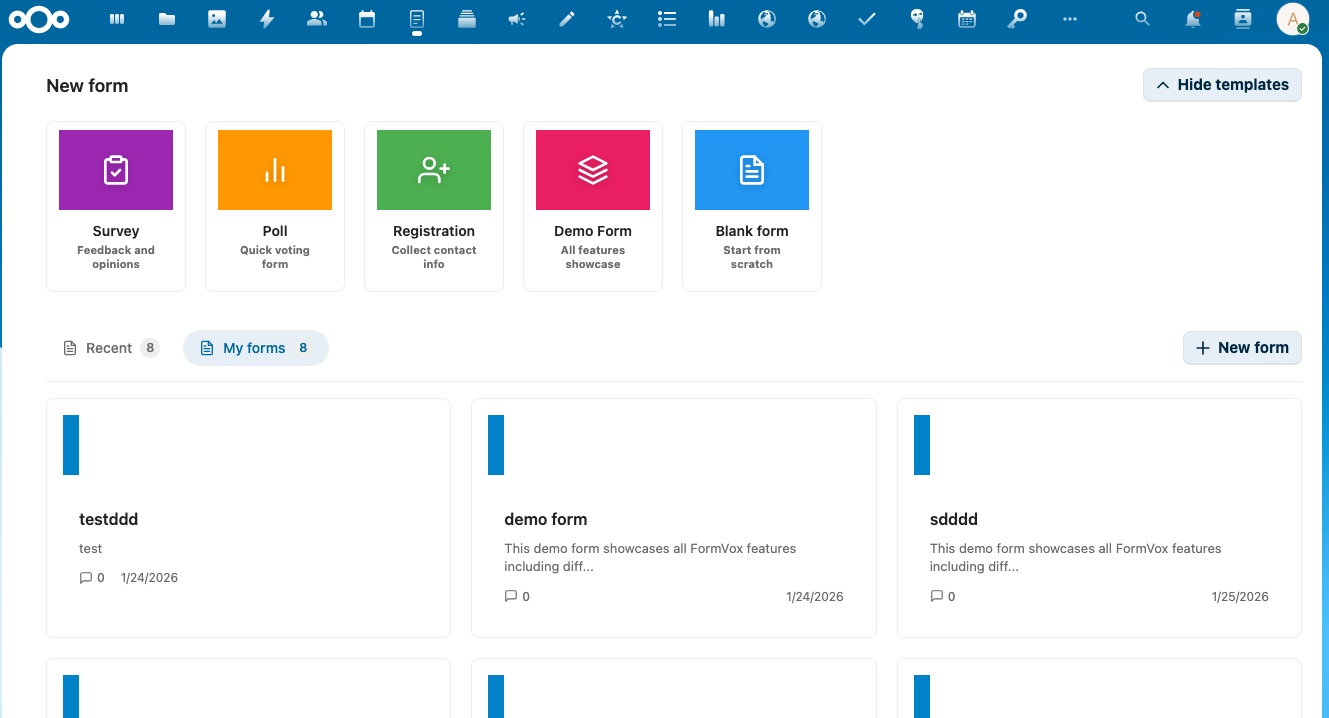
Quick Navigation
For Users
Learn how to create forms, add questions, and analyze responses.
- Overview - What is FormVox and why use it
- Creating Forms - How to create and edit forms
- Question Types - All available question types explained
- Advanced Features - Conditional logic, quiz mode, piping
- Sharing & Publishing - Share forms and create public links
- Results & Analysis - View and analyze responses
- Exporting Data - Export to CSV, JSON, Excel
For Administrators
Installation, configuration, and security settings.
- Installation - Requirements and installation guide
- Configuration - Admin settings, branding, telemetry
- Security - Password protection, rate limiting, access control
For Developers
Technical documentation and API reference.
- Architecture Overview - System design and components
- File Format - The .fvform JSON schema
- API Reference - REST API endpoints
- Comparison - FormVox vs Nextcloud Forms
Getting Started
New to FormVox? Start with our Getting Started Guide to create your first form in minutes.
Support
- Issues & Feature Requests: GitHub Issues
- Source Code: GitHub Repository
License
FormVox is licensed under the AGPL-3.0 License.