MetaVox Documentation
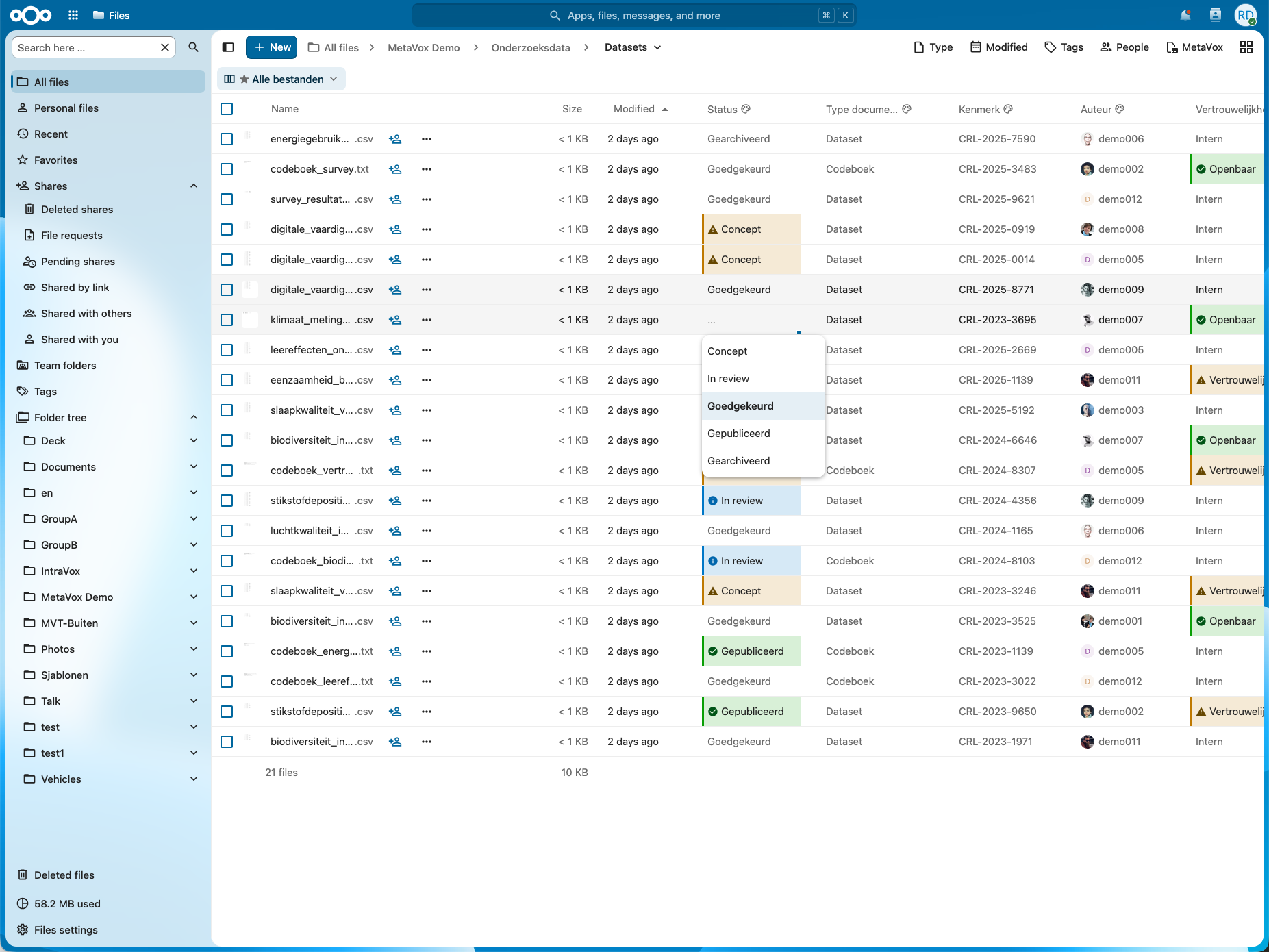
Welcome to the MetaVox documentation. MetaVox is a Nextcloud app that adds structured metadata to documents in Team folders — enabling classification, compliance tracking, and searchability without changing your files.
Quick Navigation
For Users
Learn how to work with metadata in your daily workflow.
- Overview - What is MetaVox and why use it
- Field Types - Understanding different metadata field types (incl. default values)
- Searching Metadata - Find files by metadata via Unified Search
- Views - Switch between predefined column, filter, and sort combinations
- Highlight Rules - Color cells by their value, and which rule wins
- Bulk Editing - Edit metadata for multiple files at once
- Exporting Data - Export metadata to CSV
For Administrators
Installation, configuration, and compliance settings.
- Installation - Install and update MetaVox
- Permissions - Roles and access control
- Views - Create and manage views per team folder
- Compliance Templates - GDPR, WOO, and Archives Act templates
- Flow Integration - Automate workflows with metadata
- Backup & Restore - Backup and restore metadata
- Settings - Admin settings (AI, telemetry)
- Licensing - License management and free tier limits
- Telemetry - Usage reporting
Features
Advanced features and capabilities.
- Real-Time Sync - Real-time metadata sync and cell locking via notify_push
- AI Autofill - AI-powered metadata suggestions
For Architects
Technical documentation for integration and evaluation.
- Architecture Overview - System design and components
- Privacy & Security - Data locality and GDPR compliance
- API Reference - OCS API endpoints and batch operations
- Performance Limits - Capacity planning and scaling
- Integration Guide - Nextcloud, SharePoint migration, external systems, and embedding the metadata panel in another app
Getting Started
New to MetaVox? Start with our Getting Started Guide to learn the key concepts and get up and running quickly.
Support
- Issues & Feature Requests: GitHub Issues
- Source Code: GitHub Repository
License
MetaVox is licensed under the AGPL-3.0 License.