IntroVox Overview (User Guide)
Welcome to IntroVox — your personal guide to Nextcloud.
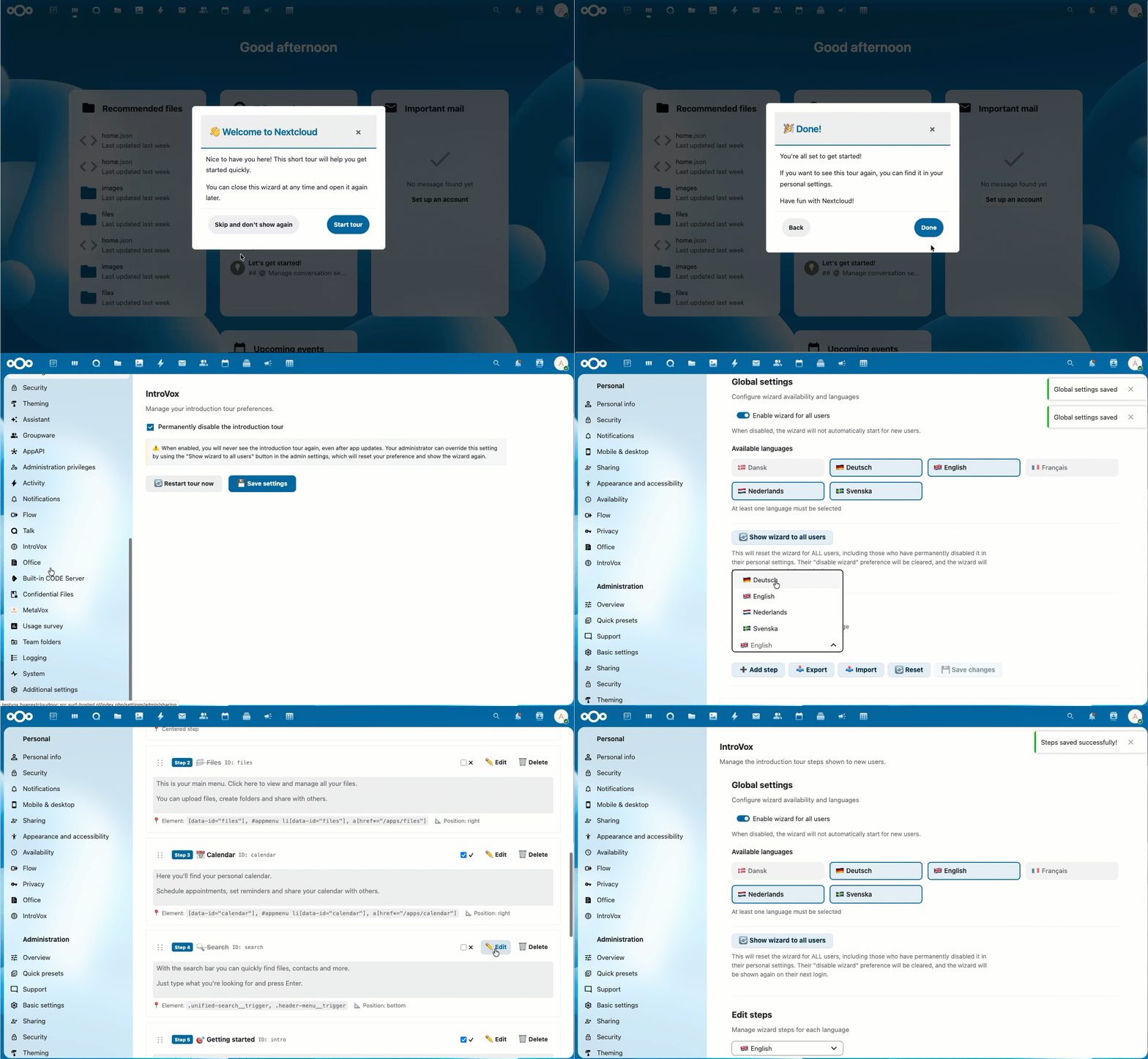
IntroVox is an interactive tour that helps you discover Nextcloud's most important features when you first log in. Think of it as a friendly companion that shows you around your new cloud workspace.
What You'll Learn
The tour guides you through topics like:
- 📁 Files — Upload, share, and manage your files
- 📅 Calendar — Organize your schedule and appointments
- 🔍 Search — Find files and information quickly
- ⚙️ Settings — Customize Nextcloud to your preferences
The exact steps depend on what your administrator has configured for your language.
How Long Does It Take?
Most tours take 2–5 minutes. You can:
- ✅ Complete it in one go
- ⏸️ Close it and come back later (it will reappear on next login)
- ⏭️ Skip it entirely if you prefer to explore on your own
First Login Experience
When you log in for the first time, IntroVox starts automatically a few seconds after the dashboard loads. You'll see a welcome step with two options:
- Start tour — Begin the interactive guide (recommended for new users)
- Skip and don't show again — Close the tour and prevent it from showing in the future
See Taking the Tour for the full walkthrough.
If the Tour Doesn't Appear
The tour might not show automatically if:
- Your administrator has disabled it globally
- You previously disabled it permanently in your settings
- You already completed the tour (it only shows again if you restart it)
(IntroVox itself is available in every language Nextcloud supports. If a particular language has no translation on Transifex yet, the tour falls back to English so you still get readable text.)
You can always start it manually — see Personal Settings.
See Also
- Taking the Tour — Navigating the tour
- Personal Settings — Restart and preferences
- Keyboard Navigation — Shortcuts and accessibility
- FAQ — Common questions