RoomVox Documentation
Welcome to the RoomVox documentation. RoomVox is a CalDAV-native room booking app for Nextcloud that lets users book meeting rooms directly from any calendar app — Nextcloud Calendar, Apple Calendar, Outlook, Thunderbird, eM Client — without a separate booking UI.
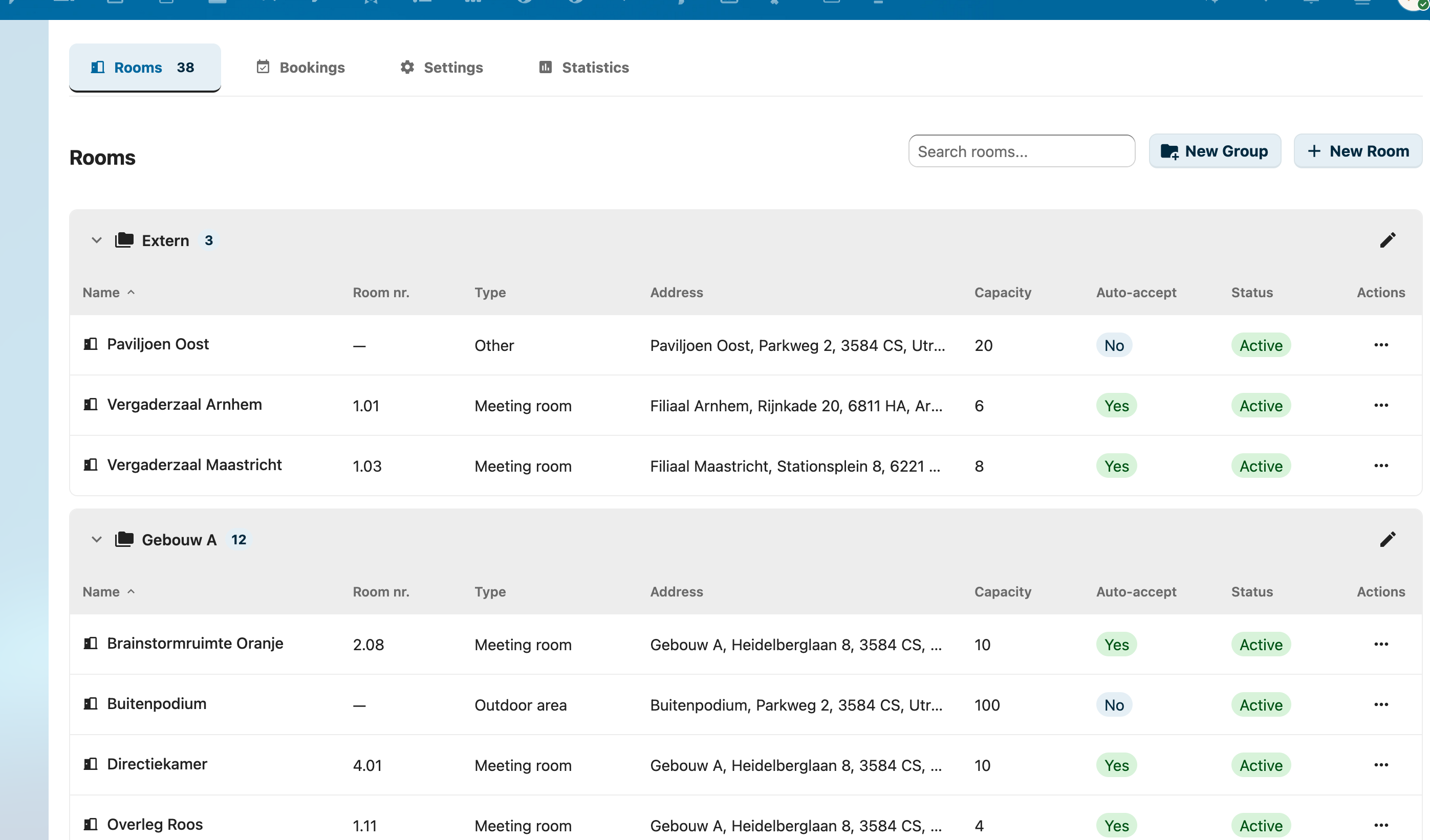
Rooms appear as bookable CalDAV resources. Bookings happen in the calendar app users already use.
Quick Navigation
For Users
Learn how to book rooms, manage bookings, and understand notifications.
- Overview — What RoomVox is and how rooms work as calendar resources
- Booking Rooms — How to book rooms from Nextcloud Calendar, Apple Calendar, Outlook, Thunderbird, and eM Client
- Managing Bookings — Approve, decline, reschedule, and cancel bookings
- Notifications — Email notifications explained
- Personal Settings — My Rooms, Approvals, and Bookings tabs
- Tips — Client-specific tricks and time-savers
- Troubleshooting — Booking declined, room not visible, language issues
- FAQ — Common user questions
For Administrators
Installation, configuration, room management, and operations.
- Admin Guide — Day-to-day administration
- Settings — Admin panel reference
- Managing Rooms — Creating rooms, types, groups, facilities, availability rules
- Permissions — Viewer / Booker / Manager roles, room group inheritance
- Email Configuration — Nextcloud SMTP, per-room SMTP, encryption
- Import / Export — CSV import/export, MS365/Exchange migration
- Usage statistics — Off until an administrator agrees (opt-in)
- Best Practices — Permission strategy, group hierarchy, maintenance
- Troubleshooting — Email problems, calendar patch issues, debug endpoints
- FAQ — Common admin questions
Features
Per-feature documentation for capabilities.
- Approval Workflow — Tentative bookings, manager approval, decline reasons
- Availability Rules — Day/time restrictions and booking horizon
- Email Notifications — All 9 notification types
- Calendar Patch — Visual room browser for Nextcloud Calendar
- Public API — Bearer-token REST API for displays, kiosks, integrations
- Comparison vs. Calendar Resource Management — What RoomVox adds to Nextcloud's own room app
For Architects & Developers
Technical documentation for integration, evaluation, and contribution.
- Architecture Overview — System design and components
- API Reference — Internal + Public v1 REST API endpoints
- Backend Architecture — IAppConfig storage, virtual users, service layer
- CalDAV Scheduling — Sabre plugin, iTIP flow, PARTSTAT handling
- Exchange Integration — Microsoft Graph sync, webhooks, conflict detection
- Nextcloud 34 Compatibility — NC34 audit (shipped in 1.2.0)
- Nextcloud 35 Compatibility — NC35 audit (shipped in 1.5.0)
Deployment
Installation, App Store submission, and release process.
- Installation — Requirements and installation guide
- Release Process — Version sync, build, GitHub releases
- App Store Submission — Certificate, packaging, signing, uploading
Getting Started
New to RoomVox? Start with the Getting Started Guide to create your first room in five minutes.
Support
- Issues & Feature Requests: GitHub Issues
- Source Code: GitHub Repository
License
RoomVox is licensed under the AGPL-3.0 License.