Question Types
FormVox supports a wide variety of question types to collect different kinds of data. This guide explains each type and when to use it.
Text Questions
Short Text
Single-line text input for brief answers like names or titles.
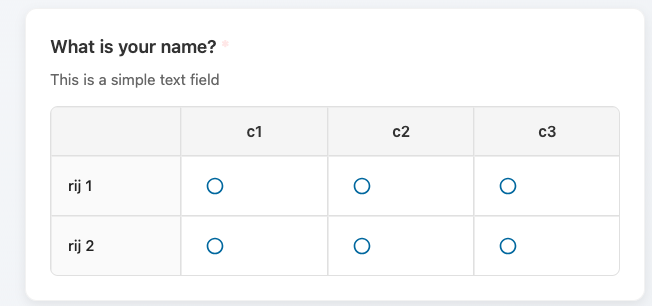
Use for: Names, titles, short answers Validation: Optional character limit
Email
Text input with email validation.
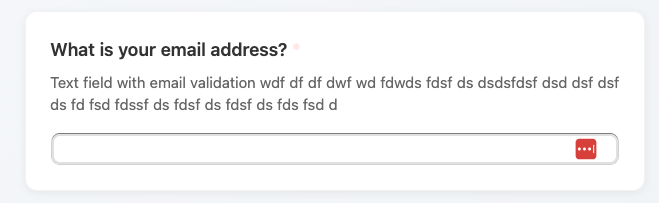
Use for: Collecting email addresses Validation: Must be a valid email format
Multi-line Text (Textarea)
Large text area for longer responses.
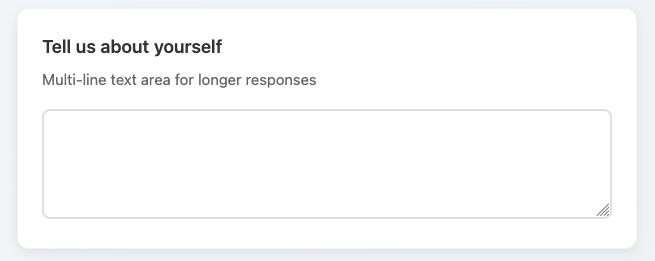
Use for: Comments, feedback, detailed answers Settings: Adjustable number of rows
Choice Questions
Single Choice (Radio)
Select one option from a list.
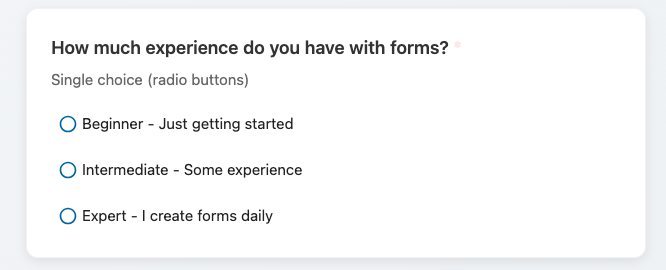
Use for: Yes/no questions, selecting one option Settings: - Add/remove options - "Other" option with text input - Randomize option order
Multiple Choice (Checkbox)
Select multiple options from a list.
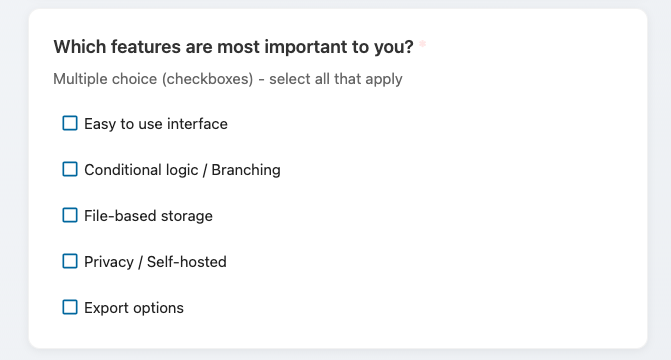
Use for: Selecting multiple items, multi-select preferences Settings: - Add/remove options - Minimum/maximum selections - "Other" option with text input
Dropdown Select
Select one option from a dropdown menu.
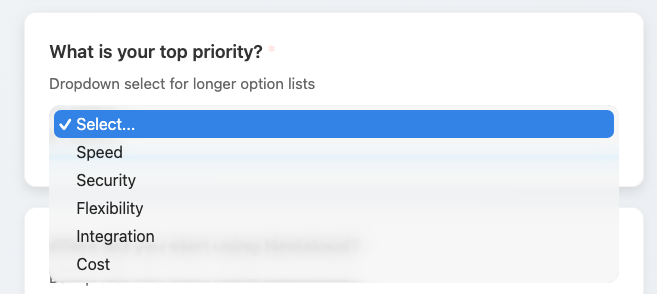
Use for: Long lists of options, saving space Settings: Same as single choice
Date and Time Questions
Date Picker
Select a date from a calendar.
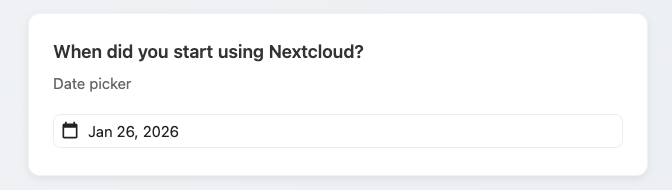
Use for: Birthdates, event dates, deadlines Settings: - Minimum/maximum date - Date format
Time Picker
Select a time.
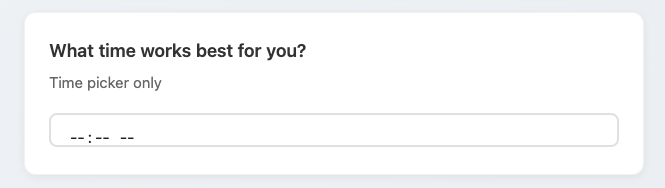
Use for: Appointment times, schedules Settings: 12-hour or 24-hour format
DateTime Picker
Select both date and time.
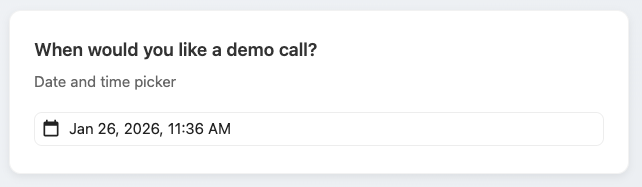
Use for: Event scheduling, appointments with specific times
Rating Questions
Linear Scale
Rate on a numeric scale (e.g., 1-5, 1-10).
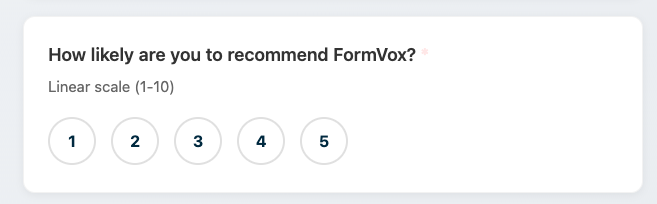
Use for: Satisfaction ratings, agreement scales, NPS Settings: - Minimum and maximum values - Labels for endpoints (e.g., "Not satisfied" to "Very satisfied")
Star Rating
Visual star-based rating.

Use for: Product reviews, experience ratings Settings: Number of stars (typically 5)
File Questions
File Upload
Allow respondents to upload files with their response.
Use for: Document submissions, photo uploads, attachments Settings: - Allowed file types (e.g., PDF, images, documents) - Maximum file size limit - Maximum number of files
Security: - Uploaded files are stored securely in Nextcloud - Files are accessible only to form owner - Files are deleted when the response is deleted
Note: File uploads count toward the form owner's storage quota.
Advanced Questions
Matrix
Grid of questions with shared answer options.
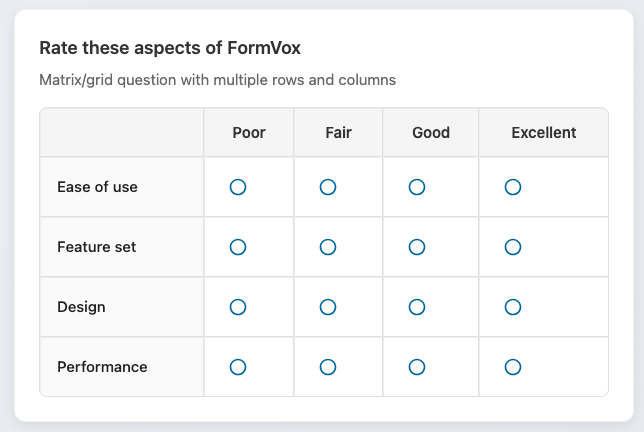
Use for: Rating multiple items on the same scale, comparing options Settings: - Row labels (items to rate) - Column labels (rating options) - Single or multiple selection per row
Question Settings
All question types share common settings:
Required
Mark a question as required. Respondents must answer before submitting.
Description
Add helper text below the question to provide additional context.
Placeholder
Default text shown in empty input fields.
Conditional Logic
Show or hide the question based on previous answers. See Advanced Features.
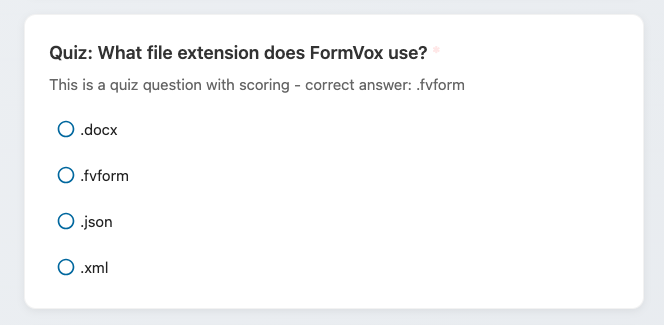
Quiz Scoring
Assign points to correct answers for quiz mode. See Quiz Mode.
Tips for Choosing Question Types
| Goal | Recommended Type |
|---|---|
| Collect names/emails | Short Text / Email |
| Yes/No question | Single Choice |
| Multiple selections | Multiple Choice |
| Long list of options | Dropdown |
| Satisfaction rating | Linear Scale or Star Rating |
| Rate multiple items | Matrix |
| Detailed feedback | Multi-line Text |
| Schedule appointments | DateTime Picker |
| Collect documents/files | File Upload |
Next Steps
- Add Conditional Logic to create dynamic forms
- Set up Quiz Mode for assessments
- Learn about Sharing your forms