Backup & Restore
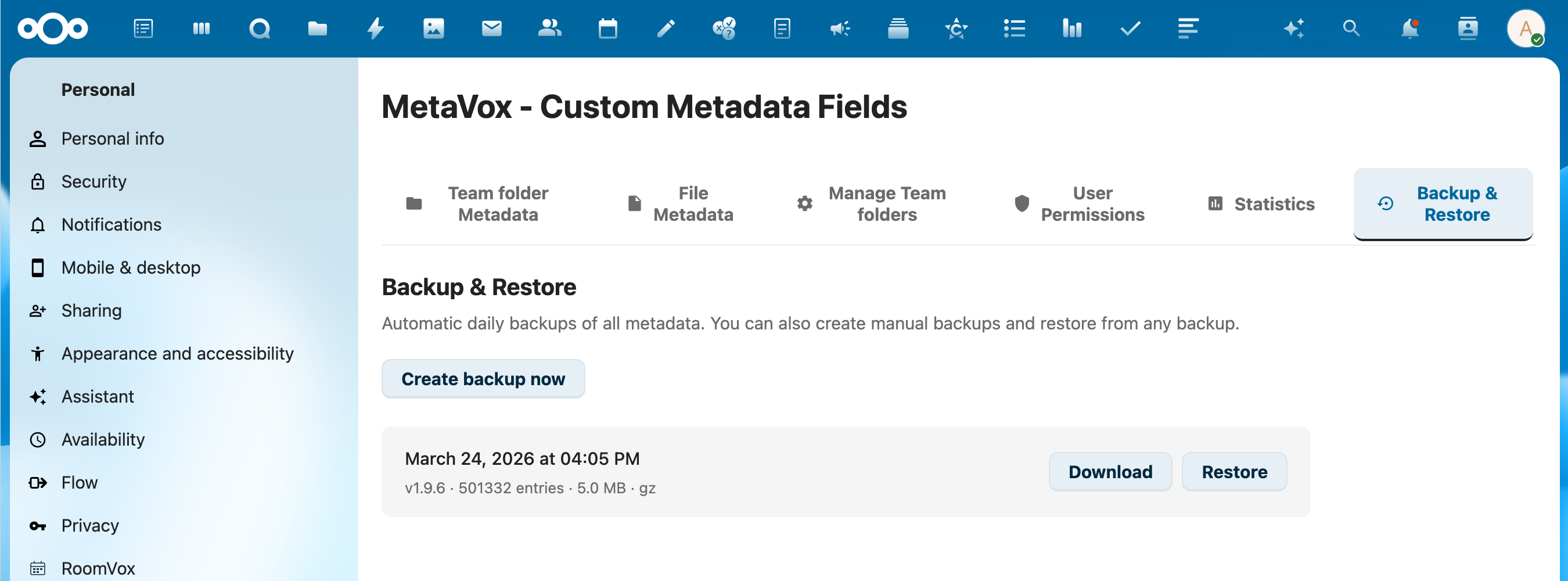
MetaVox includes built-in backup and restore functionality for all metadata tables.
Overview
Backups include:
- Field definitions (metavox_gf_fields)
- Groupfolder metadata (metavox_gf_metadata)
- File metadata (metavox_file_gf_meta)
Backups are stored as gzip-compressed JSON files. A maximum of 7 backups are retained automatically.
Creating a Backup
Via Admin Settings
- Go to Settings > Administration > MetaVox
- Navigate to the Backup & Restore section
- Click Create Backup
- A progress bar shows the backup status
Via API
Automatic Backups
MetaVox includes a background job (MetadataBackupJob) that can create backups automatically via Nextcloud's cron system.
Restoring a Backup
Warning: Restoring a backup replaces all current metadata with the backup data. This cannot be undone.
Via Admin Settings
- Go to Settings > Administration > MetaVox
- Navigate to the Backup & Restore section
- Select a backup from the list
- Click Restore
- Confirm the restore operation
- A progress bar shows the restore status
Via API
# List available backups
curl "https://your-nextcloud.com/apps/metavox/api/backup/list" \
  -b "session-cookie"

# Restore a specific backup
curl -X POST "https://your-nextcloud.com/apps/metavox/api/backup/restore" \
  -H "Content-Type: application/json" \
  -b "session-cookie" \
  -d '{"filename": "metavox_backup_2026-03-24_120000.json.gz"}'
Downloading a Backup
Backups can be downloaded for off-server storage:
curl "https://your-nextcloud.com/apps/metavox/api/backup/download?filename=metavox_backup_2026-03-24_120000.json.gz" \
  -b "session-cookie" \
  -o backup.json.gz
Monitoring Progress
The frontend polls the status endpoint during backup/restore operations:
Response (during operation):
{
  "status": "restoring",
  "progress": 45,
  "table": "metavox_file_gf_meta",
  "rows_processed": 5000,
  "total_rows": 11000
}
Response (idle):
Performance
- Backups use keyset pagination with chunks of 5,000 rows for memory efficiency
- Restores use batch inserts of 1,000 rows with commits every 10,000 rows
- Both gzip-compressed (
.json.gz) and uncompressed (.json) backups are supported
See Also
- Installation - Initial setup
- API Reference - Full API documentation